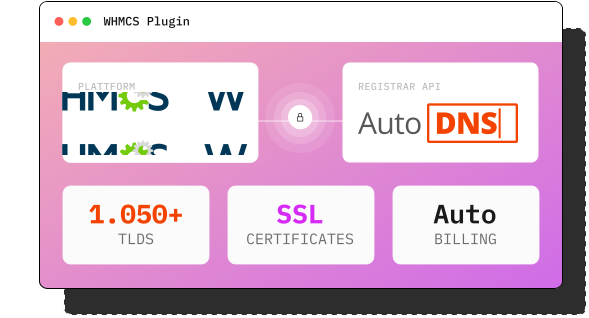

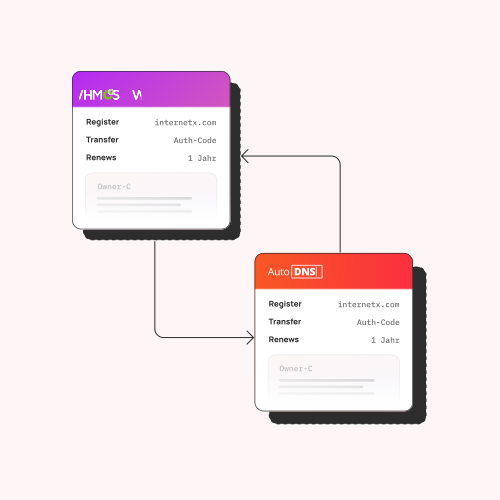
WHMCS communicates directly with AutoDNS. This makes it easy to order and manage all InterNetX domain and encryption products.

Registration, renewal, and certificate renewal are billed automatically. Supporting multiple currencies.

Both plugins are available at no extra charge. You only pay for the domains and certificates you purchase – at standard rates.

Standard WHMCS module structure. No external dependencies—just place the plugin files in the Modules directory, and you're done.


How to setup the WHMCS plugin.

Create & activate account
Sign up for free with InterNetX. Once you've signed up, both plugins will be immediately available to you in AutoDNS.

Install plugin files
Download the plugin package from the Help Center and copy it to the WHMCS Modules directory. No external dependencies, no server configurations—done in just a few minutes.

Connect to InterNetX
Enter your InterNetX login credentials once in the WHMCS settings. The plugin will use these to establish a connection to the InterNetX API. From that point on, all communication will run automatically in the background.

Configure products and prices
In WHMCS, specify which domains and certificates you want to offer and set your selling prices. Billing cycles, currencies, and renewal logic are all managed entirely by WHMCS.

Test and go live
Place a test order to verify that the transaction is being sent to InterNetX correctly. If everything is working properly, your WHMCS setup is ready for production. Your customers can now place orders directly through your portal.
FAQ.
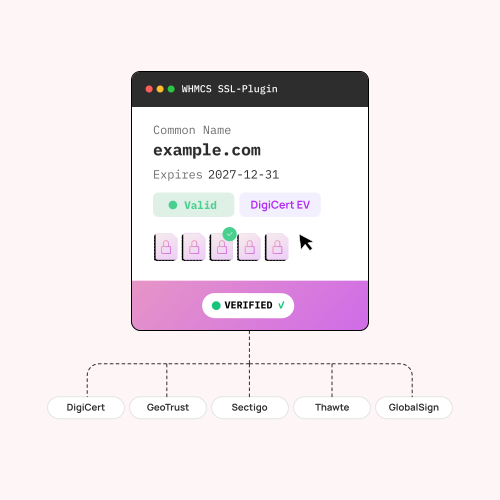
Yes, an active AutoDNS account with InterNetX is required for the domain plugin. The SSL plugin also requires access to the InterNetX SSL Manager. Both accounts are free of charge.
Both plugins are compatible with WHMCS 7.x and 8.x on PHP 7.4+ and PHP 8.x. No external dependencies.
Yes. The domain and SSL plugins run completely independently of each other and work together seamlessly. Many resellers use both to offer a comprehensive product package.
Both plugins are free. Your standard InterNetX rates for registering domains and purchasing encryption products apply.
Detailed setup guides with screenshots can be found in the InterNetX Help Center: Domain plugin guide and SSL plugin guide.


